
How to Save Money on DoorDash and Uber Eats
Summary
- A zero delivery fee does not make an order cheap because menu markups, service fees, taxes, and tips still compound.
- A $15.50 burrito reached $30.26 at checkout, even though the stated delivery fee was zero.
- Compare the final total, then stack only discounts, memberships, gift cards, and credits you would use without changing the order.
Six checks for catching markups, avoiding unnecessary fees, and making delivery discounts count.
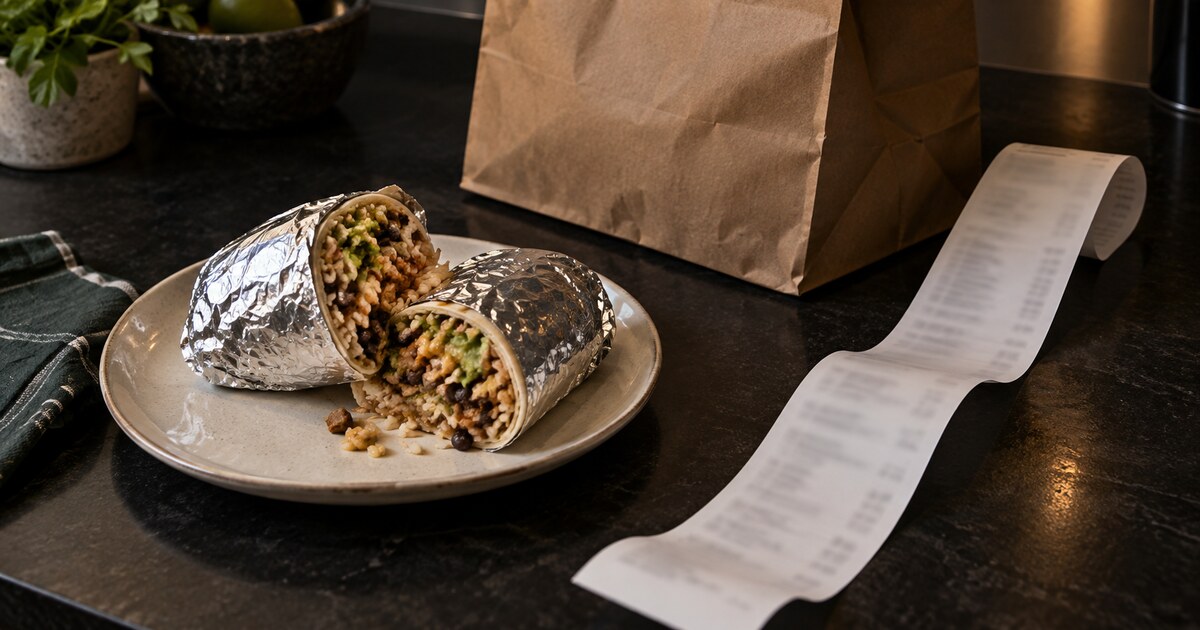
A $15.50 burrito nearly became a $30.26 Uber Eats order.
The delivery fee was $0.
That is the odd thing about food delivery. The obvious fee can disappear while the total still nearly doubles.
I understand why we use these apps. After working all day, cooking can feel like another shift. Sometimes you want something different without going out. Sometimes you discover at night that you are out of eggs for breakfast. A few taps buy back 30 to 60 minutes of your life.
I am all for that convenience. I just want to know what I am paying for it.
The checkout math: fees, markups, and the tip
Here is what the order showed:
| Line item | Amount |
|---|---|
| Food subtotal | $15.50 |
| Delivery fee | $0.00 |
| Long-range fee | $2.49 |
| Other fees | $2.84 |
| Tax | $1.53 |
| Selected tip | $7.90 |
| Total | $30.26 |

Fees and tax added $6.86 before the tip. The final total was 95% higher than the displayed food subtotal.
The tip deserves a closer look. The app disclosed that its selected 20% tip was based on a $39.51 order total before discounts or promotions. Twenty percent of $39.51 is $7.90. It was not calculated from the $15.50 subtotal shown near the checkout total.
Delivery workers should still be tipped fairly. Uber says 100% of an in-app tip goes to the delivery person,1 and a promotion does not make the trip easier for the worker. Read the basis before accepting a percentage button. Tip intentionally.
There may be another cost before the fee breakdown even begins. Uber itself says prices and offers in the app may differ from prices at the restaurant.2 If you order from the same place often, compare its direct menu with the app once. You do not need to repeat that exercise every night. You only need to know which restaurants carry a meaningful markup.
How I save money on food delivery
On a hectic day, delivery can be money well spent. I use a quick checklist to keep the convenience premium under control.
1. Discount the payment before you order
Costco currently sells $100 of DoorDash or Uber gift-card value for $79.99 in the examples I captured.
That is a $20.01 saving, or about 20% off. Said another way, every dollar paid buys about $1.25 of app credit. Those are two descriptions of the same deal, but they are not the same percentage.


The warning is important. A discounted gift card saves money only when it replaces spending you were already going to do. If seeing $100 in the app makes you order more often, the discount has done its job for the seller instead.
2. Start with restaurants offering a real promotion
I scan the offers before choosing a restaurant. A fixed-dollar discount or a buy-one-get-one offer can matter more than earning a few credit-card points.

Check the minimum order, expiration, and whether the app quietly nudges you to add food you did not want. A $9.50 discount on a $30 order is useful. Spending $45 to unlock it is not.
3. Prefer eligible $0-delivery-fee orders
A membership can remove the delivery fee without removing every fee. Uber One advertises $0 delivery fees and up to 10% off eligible orders,3 subject to order minimums and participating stores. Other fees and taxes can still apply.
DoorDash describes the same basic distinction: DashPass can provide $0 delivery and reduced service fees on eligible orders, while long-distance, small-order, regulatory, and other fees may still appear.4
That makes distance part of the price. If two restaurants look equally good, the closer one can be cheaper even when both advertise free delivery.
4. Use memberships and card credits you already have
My Chase Sapphire Reserve currently gives me complimentary DashPass, a $5 monthly restaurant promotion, and two $10 monthly non-restaurant promotions. Chase lists those benefits through December 31, 2027,5 subject to its terms.
I treat those as offsets to spending I already planned. I would not get a premium card just to save on delivery. The card has an annual fee, the promotions can expire, and the math only works if you use the benefits without creating new purchases.
The same test applies to a paid delivery membership. Uber One currently costs $9.99 a month3 or $96 a year.6 Count the fees you actually avoid. Ignore the advertised value of benefits you would not otherwise use.
5. Compare the app with ordering direct
For a restaurant I use regularly, I check three totals once:
- Delivery through the app
- Pickup through the app
- Ordering directly from the restaurant
Pickup does not always remove an app menu markup. Direct ordering does not always offer delivery. The cheapest choice depends on the restaurant, but knowing the gap turns it into a decision instead of a surprise.
6. Read the final screen slowly
Before placing the order, I check:
- Did the promotion apply?
- Is the delivery fee actually $0?
- Did a long-range, small-order, or other fee appear?
- What amount is the tip percentage using?
- Is the final total still worth the time this order saves me?
That takes less than a minute.
What this saves at our level of spending
We usually spend at least $500 a month across food-delivery services. If I can buy $500 of app credit at 20% off and use all of it on orders we would have placed anyway, the cash cost is about $400. That is roughly $100 saved before restaurant promotions or card credits.
Food was also the largest increase when I reviewed how my spending changed after I left work. Delivery is convenient enough to become a recurring expense without feeling like one.
The promotions can stretch the budget further, but I do not count every sticker value as savings. A $10 credit is worth $10 only when it replaces $10 I already planned to spend. The same rule applies to gift cards, memberships, and credit-card perks.
This is the same reason I track every expense manually. The speed of checkout makes the convenience premium easy to miss. Tracking makes it visible again.
On the days when delivery buys back an hour, I am happy to pay something for it. I just want to see how a $15.50 meal became a $30.26 charge before I approve it.
Before your next order, compare the food subtotal with the final total. That single number tells you what the convenience is costing. Then decide whether it is worth it.
Sources
- 1Uber. Are tips included in my order total?
- 2Uber. How much does Uber Eats cost?
- 3Uber. Uber One
- 4DoorDash. What fees do I pay?
- 5Chase. Sapphire Reserve benefits
- 6Uber. What is Uber One?
All sources checked September 15, 2026.